

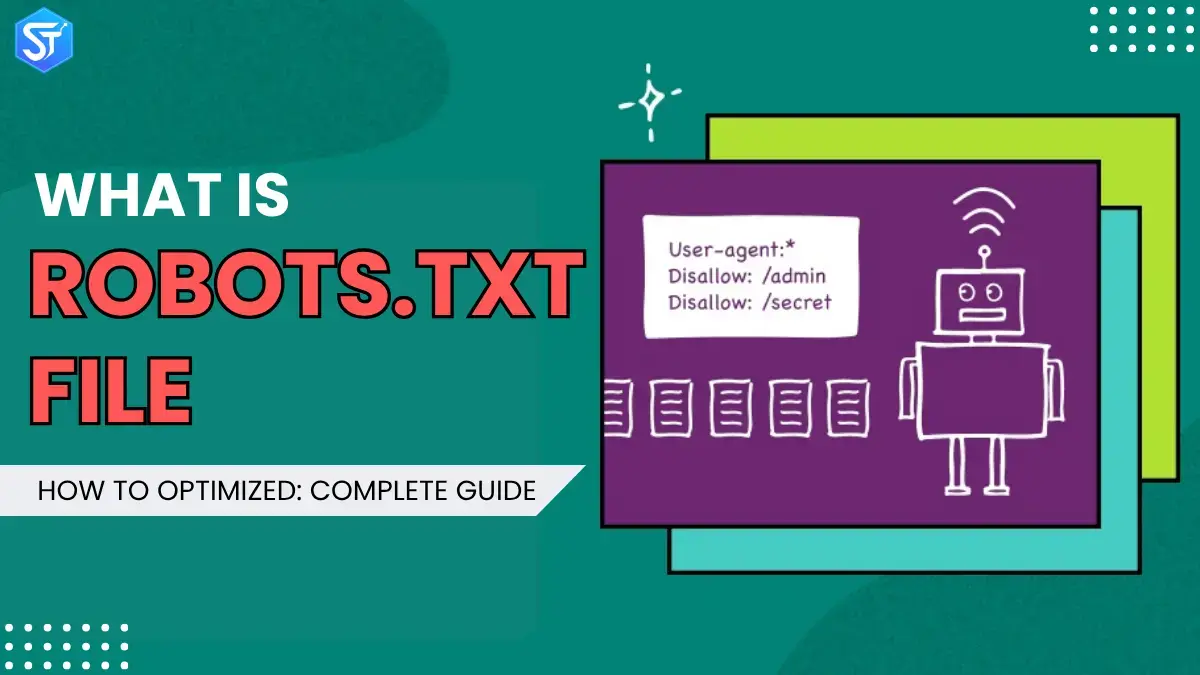
Did you know that a small file called robots.txt can play a big role in your website’s SEO performance? This simple file tells search engines which parts of your website they can and cannot crawl. When used correctly, it helps search engines understand your site better and index the right pages. But if the file isn’t set up correctly, it can block important pages and hurt your rankings.
In this simple SEO guide, we’ll explain everything about the robots.txt file in simple terms. You’ll learn what it is, how it works, and why it’s important for your website. We’ll also cover how to create it, where to put it, and how search engines can easily find it.
By the end of this guide, you’ll know how to manage your robots.txt file like a pro – from giving crawlers access to key pages to blocking pages you don’t want in search results. We’ll also share useful tips and best practices to keep your website safe, visible, and SEO-friendly.
What is Robots.txt?
The robots.txt file is a simple text file placed in the main directory of a website that talks directly to search engine bots and web crawlers. Its main function is to tell these bots which pages or sections they are allowed to visit and index. This file is important for managing website indexing and helps boost your site’s SEO by effectively controlling and guiding crawler activity.
The Robot Exclusion Protocol, created in 1994, is the basis of the robots.txt system. It was created to give webmasters an easy way to handle bot access to their websites. By using simple crawl commands like “user-agent” and “disable”, webmasters can clearly instruct bots how they should proceed with and interact with their sites.
How does a robots.txt file work?
The robots.txt file is a plain text file that contains no HTML code, which is why it uses the .txt extension. It lives on a web server just like any other file on a website. You can view a site’s robots.txt file by typing the homepage URL and adding /robots.txt at the end. This file isn’t linked to anywhere on the site, so regular visitors won’t be able to easily find it, but most web crawlers look for it before going to other pages on the website.How does a robots.?
The robots.txt file gives instructions to bots, but it doesn’t actually force them to follow it. Some bots, such as search engine crawlers or news feed bots, always check this file first and usually follow what it says. Others may ignore it completely or even use it to find blocked pages.
Crawlers that respect a robots.txt file follow the most specific directions written in it. If the file contains mixed or confusing rules, the bot will choose the more detailed rules.
You should also remember that each subdomain needs to have its own separate robots.txt file.
Why is Robots.txt important for SEO?
Search engines like Google, Bing, and Yahoo use crawlers to scan and index website pages. But not every page needs to be crawled repeatedly or shown in search results. Robots.txt helps to:
- Improve crawl efficiency
- Protect private sections of a site
- Prevent duplicate pages from lowering search rankings
It doesn’t provide complete protection, but it does give search crawlers clear directions on how to handle and explore web pages.
Check Also: Wix SEO vs WordPress SEO: Who Has The Best Features?
What protocol is used in a robots.txt file?
In web networking, a protocol defines a structured way to send instructions or rules. The robots.txt file relies on more than one protocol to communicate with crawler bots. The primary protocol is known as the Robots Exclusion Protocol. Website owners use this protocol to guide bots as to which pages or files they should not access. The robots.txt file contains rules written in this format to control crawler behavior.
Another protocol supported in the robots.txt file is the Sitemaps protocol. Many people see this as an inclusion-based approach. Sitemaps direct search engine crawlers to pages that are available for indexing. This guidance helps bots find important content and reduces the likelihood of skipping key web pages.
How to create a robots.txt file
Creating a robots.txt file is actually very easy and doesn’t require any special skills.
If your website runs on WordPress, you already have a basic robots.txt file set up by default – it usually looks like the examples shown earlier.
But if you want to make additional changes later, you can use some simple plugins to handle your robots.txt file, such as:
- Yoast SEO
- Rank Math SEO
- All in One SEO
These plugins let you easily choose what to allow or block, so you don’t have to deal with confusing code or manual setup.
You can also edit your robots.txt file using FTP. If you know how to access your site files, you can simply upload a text file and make the changes you want.
However, this method is more labor-intensive and can lead to errors if not done carefully.
Further Reading: What Is Share of Voice? How to Measure & Outrank Rivals
How to Optimize Your Robots.txt File
A well-designed robots.txt file can make a big difference in your SEO results. Here are some easy ways to improve it:
- Focus on the main pages: Use the Allow and Disallow commands smartly to direct search bots to your main and most useful pages.
- Prevent bots from crawling less useful pages: Pages like privacy policy, terms, or disclaimers usually don’t bring in real traffic. You can Disallow these pages so that bots don’t waste crawl budgets on them.
- Add your sitemap: Including a sitemap directive helps search engines find and index your web pages quickly, which is very helpful for large websites or those with complex structures.
- Use crawl-delay carefully: If bots are putting too much load on your server, you can use the Crawl-Delay command. However, only apply it when necessary, as it can reduce your crawl rate.
- Control duplicate content: If you have pages on your site with similar or repeated content, use the Disallow command to prevent bots from crawling them. This prevents search engines from giving mixed signals about your site.
Common Mistakes to Avoid When Creating a Robots.txt
Creating a custom Robots.txt file may seem simple, but even small mistakes can impact your SEO performance. Avoid these common mistakes:
Blocking your website: Avoid using Disallow: / unless your site is currently under construction or maintenance.
Wrong placement: Always upload the file to the main root folder of your website.
Wrong file name: The file name should be “robots.txt” in lowercase letters only.
Blocking important files: Don’t block CSS, JavaScript, or image files – they help search engines understand the structure and design of your website.
Skipping verification: Test your Robots.txt file with Google Search Console’s robots.txt tester before using it.
A properly configured Custom Robots.txt helps search engines crawl your site efficiently, protects private content, and increases your search visibility.
Read Next: Advantages And Disadvantages of Pay Per Click (PPC) Advertising (A Guide)
FAQs:
Q1. What is robots.txt and how does it work?
Robots.txt is a small text file that lives in the main folder of your website. It tells web crawlers, usually search engine bots, how to navigate your site. This file sets clear rules for bots, indicating which pages they can visit and which pages they should skip when crawling your website.
Q2. How can robots.txt help me control search engine crawlers’ access to my website?
robots.txt controls how bots explore your site using simple commands like “Allow” and “Disallow”. If there are parts of your site, such as admin folders or pages with repetitive content, that you don’t want bots to reach, you can specify them in your robots.txt file. This gives you control over which sections are crawled and which remain private.
Q3. What are the benefits of using robots.txt, and how can it improve my website’s SEO?
Robots.txt helps you make better use of your site’s crawl budget by preventing bots from visiting unimportant or repetitive pages. It directs them to useful and high-value content. This helps search engines index your site more effectively, which can boost your SEO performance and improve your ranking in search results.
Q4. Can robots.txt be used to prevent specific search engines or bots from crawling my website?
Yes, you can block specific bots or search engines by specifying their user-agent names in the robots.txt file. This allows you to decide which crawlers can access your site and which cannot. But keep in mind that some bots may ignore these rules and still try to crawl your pages.