
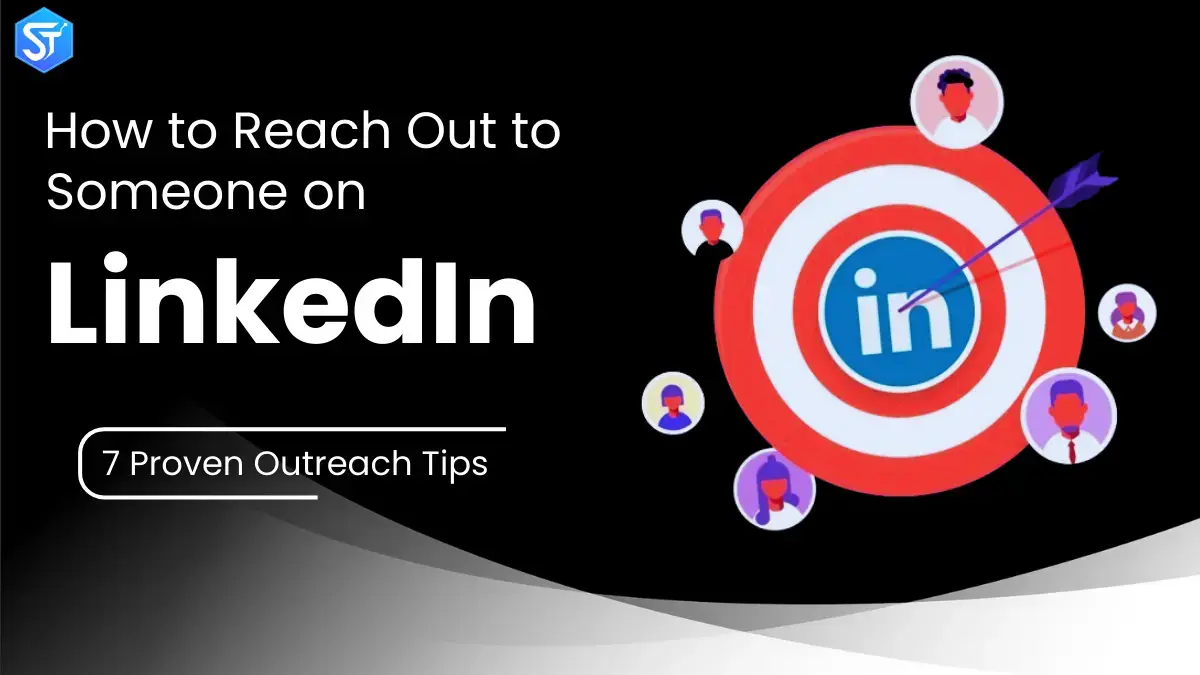
LinkedIn has earned its reputation as the go-to social platform for professionals. It brings together industry experts, decision-makers, recruiters, founders, and consultants from nearly every field.
What many people don’t realize is that reaching out on LinkedIn takes skill. Think of it like walking a fine line in a professional setting – you need confidence, clarity, and timing. When done right, LinkedIn outreach can unlock new opportunities, relationships, and long-term value.
In this guide, we’ll explain how to properly reach out to someone on LinkedIn. You’ll learn how to write messages that generate responses, build authentic connections, and open doors for future conversations.
From choosing the right language to understanding how and when to engage before sending a message, this guide covers it all. You’ll also find message examples for different situations, so that each outreach feels intentional and personal rather than forced or generic.
Also Read : SEO for Cryptocurrency: Boost Your Blockchain Website’s Ranking And Traffic
Who should you connect with on LinkedIn?
Before sending connection requests, be clear about who you really want to reach. LinkedIn’s search and filtering tools—especially Sales Navigator—make targeting easy, but outreach isn’t limited to sales leads.
Here are the main groups worth connecting with:
- Prospective customers: Use tools like LinkedIn filters or La Growth Machine to find prospects who match your ideal customer profile
- Event contacts: Turn short event conversations or virtual meetings into long-term professional relationships
- Industry peers: Strengthen your presence by networking with professionals in your niche
- Content affiliates: Connect with people who already like, comment on, or share your posts
- Former colleagues: These connections often become strong advocates, partners, or referral sources
How to reach people on LinkedIn
If you’re new to LinkedIn, start with the basics. A professional profile photo is essential. Profiles without a photo get far fewer responses, and your image often makes the first impression.
Your headline is even more important than most people think. Instead of using a vague title like “Sales Manager” or “Marketing Specialist,” highlight your skills, focus, or mission to stand out.
Your summary section should clearly state who you are, what you’ve accomplished, and how you’ll add value. This is the place to tell your story and get people excited to connect with you.
1. How to Contact Someone on LinkedIn for Sales
Before sending any sales-focused message, research the company and the person you’re contacting. Learn about their mission, recent updates, and challenges they’re facing. This preparation shows genuine interest and positions you as a problem solver—not just another salesperson.
For example, if you see that they struggle to optimize their marketing workflow, you can explain how your solution helps them streamline that process.
Write messages with empathy and creativity. Focus on how your product or service helps them achieve better results. Keep your tone conversational and simple, and center the message around their needs rather than your pitch.
2. How to Network Someone on LinkedIn
Networking on LinkedIn means stepping out of your comfort zone and starting conversations with people you don’t yet know. The key is to approach it with honesty and professionalism.
Here’s how to do it effectively:
Start with a short introduction and emphasize common ground. This could include a common university, a mutual connection, a similar career path, or living in the same city.
Then, clearly explain why you want to connect. Perhaps their work inspires you, or you’re looking for a similar role or industry. Keep your message concise and to the point.
3. How to Contact Someone on LinkedIn for a Referral
LinkedIn is one of the best platforms for requesting referrals, but success depends on your approach. Courtesy, preparation, and personalization make all the difference.
Before reaching out, research the person’s background to identify shared interests or experiences. Then, carefully craft your message:
- Address them by name and briefly introduce yourself
- Explain why you’re reaching out
- Mention how you’re connected or how you met them
- Ask for a referral politely while giving them an easy way to decline
- End with a compliment to leave a positive impression
Avoid common mistakes like being vague, asking at the wrong time, or sending a generic message without personalization.
Further Reading: Top 10 Most Influential PPC Experts Of 2025
4. How to Connect with a Mutual Friend on LinkedIn
When you share a mutual connection, accept it immediately. Mention someone you both know and, if appropriate, reference any recommendations or introductions they’ve made.
Show genuine interest in connecting and clearly state your purpose – whether you’re looking for advice, collaboration, or a quick chat.
5. How to Contact Someone Who Isn’t a Connection on LinkedIn
LinkedIn’s InMail feature allows you to send messages to people outside your network. You can access it from their profile or by writing a new message, depending on your account type.
When you’re contacting someone you’re not connected to, first impressions are even more important. Personalize your message by referencing their role, recent activity, or shared interests. A thoughtful first message builds trust and increases the likelihood of a response after connecting.
6. How to Contact Someone Who Viewed Your Profile on LinkedIn
Profile views create a natural conversation starter. A simple acknowledgment works well, such as mentioning that you saw they checked out your profile and thought it would be a good time to connect.
Next, identify any shared connections, experiences, or interests. Mentioning these details helps establish familiarity and encourages dialogue.
7. How to Contact Someone on LinkedIn for Advice
When asking for advice, approach them with respect and honesty. Let the person know that you value their experience and insights. Mention how long you’ve followed their work or what specifically impressed you.
Then, clearly state why you’re reaching out and what guidance you’re looking for. Whether you want career advice or industry insights, clarity makes it easier for them to respond.
Read More: Contextual Link Building: How Smart Links Boost SEO Rankings in 2026
Conclusion
Creating an effective LinkedIn outreach strategy isn’t easy. That’s why step-by-step guidance, practical tips, and real-world examples are essential when navigating LinkedIn prospecting.
If you’ve ever wondered how to message people on LinkedIn and turn conversations into paying customers, this guide will point you in the right direction.
If you have specific questions, feel free to ask. We’re always happy to help with LinkedIn prospecting and outreach automation. Visit closelyhq.com and book a demo—one of our development experts will show you how to put your outreach on autopilot.
FAQs:
Q1. What’s the best way to reach out to someone on LinkedIn?
The most effective approach is to send a personal connection request that clearly explains why you want to connect. Premium users can even send direct messages to people they’re not connected to.
Q2. Can you reach out to someone directly on LinkedIn?
Yes. You can send private messages to existing connections or members of the same LinkedIn group. Premium users also get a limited number of direct messages per month.
Q3. Is it hard to message someone on LinkedIn?
Absolutely not. LinkedIn exists for professional networking, so outreach is expected. Just keep your message professional, personal, and relevant.