
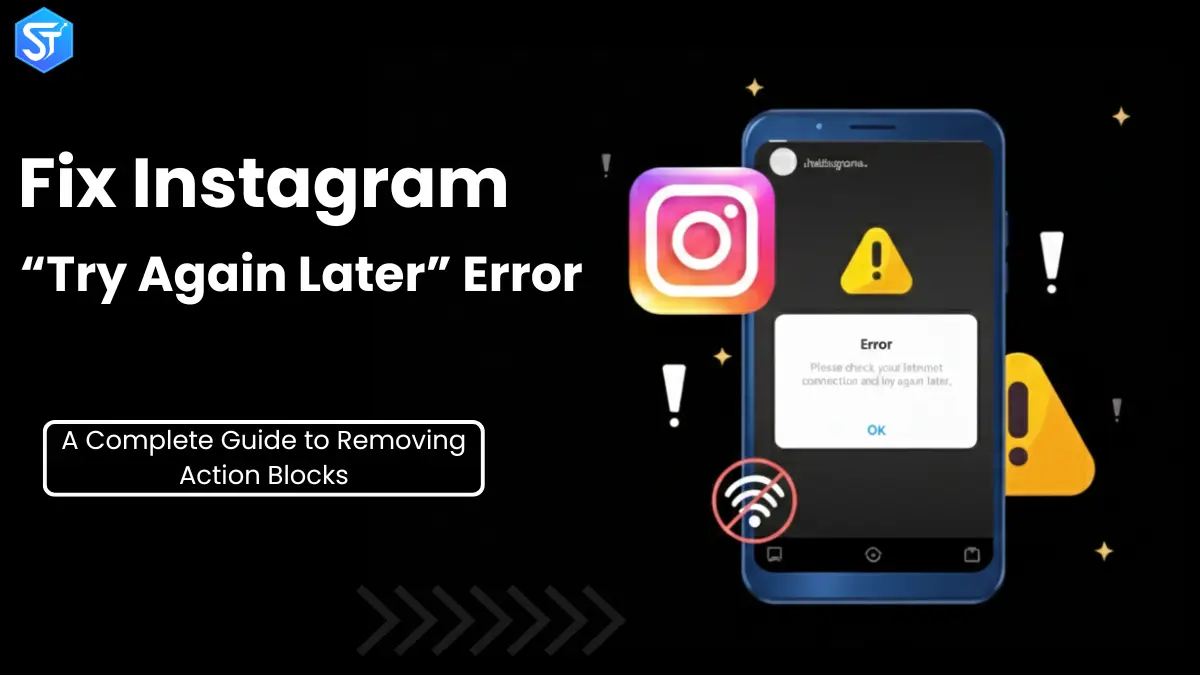
Imagine you’re just scrolling through Instagram, clicking on likes, comments, maybe following some new creators, and just chilling, but then suddenly you get stuck. You click on a like and you get an action block or a please try later message. There you are, stuck in your Instagram experience.
If this has already happened to you, you’re not alone. One of the most frustrating and frequent issues users experience these days is the “try again later” error on Instagram. It affects both personal and business accounts, as well as influencers, and it often appears without prior notice or any explanation.
The good news? This is an error that can be fixed in a short period of time.
This comprehensive guide will answer what Instagram action block is, why action block happens, and the best steps to fix and avoid different types of bans and Instagram errors.
What is an Instagram Action Block or Try Again Later Error?
An Instagram Action Block is a temporary block on your account that prevents you from performing certain actions. These actions may include:
- Like posts
- Leave comments on posts or reels.
- Subscribe to or unsubscribe from accounts.
- Send direct messages
- Shared postings of content, stories, or reels.
When Instagram detects that you are engaging in suspicious or spam-like activity, it blocks your interaction with the platform. The most frequent messages that users receive when this happens include trying again later on Instagram, although in many cases there is no reason or time limit attached.
Why does Instagram show the “Try later” error?
It is more important to know the root of this error in order to fix and prevent it in the future.
Main purposes of Instagram action blocks:
1.Violation of Instagram rules
Instagram is proactive in terms of content and interaction. Your account can also be limited if it accidentally violates its policies.
Common violations include:
- Using banned or closed hashtags.
- Sharing false or misleading information.
- Abusive or vulgar language.
- Adult or profane content.
Some hashtags are blocked without warning and you may be on the Instagram retry screen without even knowing it.
2.New or inactive account Behaviour
New accounts and accounts that have not been used for a long time are limited. Instagram provides credibility to profiles, and new accounts have not yet achieved that.
When any new or inactive account:
- Starts to like aggressively
- Follows multiple users
- Sends multiple DMs
It can be flagged, and an action block will be taken.
3.Misuse of automation tools and bots.
Automation tools are one of the biggest reasons why users experience the retry error on Instagram.
Instagram can detect:
- Constant 24/7 activity
- Exactly the same pattern of engagement
- No human-like downtime
Although a tool may say it is safe, the wrong choice of configuration will cause short-term or permanent limitations.
4.Having multiple accounts on the same IP address
Instagram has tightened its rules on multiple accounts. If you run multiple accounts using the same device or IP address, the platform can block the IP address.
This often results in:
- Multiple accounts being limited at once.
- Try multiple profiles to fix the Instagram error problem later.
You might also like: How To Get 100K Views on Instagram Reels In 2026 (7 Easy Tips)
Instagram Action Blocks: Types Explained
Not all action blocks are the same. Knowing the type can help you choose the right solution.
Temporary Action Block (Short-Term)
This is the least severe ban and usually lasts for two hours.
Triggered by:
- Rapid likes or follows
- Minor repetitive behavior
Instagram is slowing you down. When the activity stops, access is usually restored within a short period of time.
Action Block without Expiration Date
This is the most common Instagram situation after an attempt – and the most annoying.
Instagram does not indicate a time frame for restoring access. These blocks can last:
- A few hours
- A few days
- Even weeks
Recovery usually requires user action to be expedited.
Permanent Action Block
Accounts are permanently suspended or disabled. This is caused by:
- Repeated policy violations
- Heavy use of automation
- Ignoring multiple warnings
The recovery process is challenging and not certain.
Check Also: YouTube RPM: How to Increase Earnings in 2026
How to Fix the “Try Later on Instagram” Error (Step-by-Step)
The most effective solutions are listed below in order of their easiest to most advanced solutions.
1.Clear Instagram Cache
False flags can also be caused by corrupted cache data.
On iPhone:
- General – Settings – iPhone Storage.
- Select Instagram
- Tap Delete App
- Reinstall Instagram
This deletes stored activity data without deleting your account.
2.Delete and Reinstall the App
Instagram has multiple versions of the app running in parallel. Reinstalling to remove background experiments can be done by reinstalling which can fix the errors.
This solution works with Instagram’s online Try Later issues that have no explanation.
3.Take a complete break (24-72 hours)
This is the best possible solution.
During the break:
- Do not open the app
- Avoid likes, remarks, DMs, and posts.
- Turn off all automation
This cooling down period tells Instagram AI that the suspicious behavior is no longer ongoing.
4.Report the problem to Instagram
If you think the block is a mistake:
- Click Help – Settings – Report a problem.
- Explain the problem clearly
- Mention the business impact where necessary.
Instagram pays attention to revenue-related reports.
5.Alternate internet connection
Banning is, sometimes, IP-based.
Try:
- Replacing Wi-Fi with mobile data.
- Restarting your router
- Temporarily switching to airplane mode.
This will automatically remove the Instagram Try Later block.
6.Instagram and Facebook Business Page Contact.
It is possible to send messages to the official Instagram and Facebook Business Pages on Facebook.
During business hours, support agents are usually present and can escalate any issues.
7.Reconnect Instagram and Facebook accounts.
Adding or reconnecting your Facebook account increases trust signals and renews permissions.
If the mobile is broken, do it on the desktop.
Recommended to Read: Smart HVAC Marketing Blueprint for 2025: Increase Leads, Calls, and Revenue
8.Check for device-based restrictions
Log into your account:
- On a desktop browser
- Or on a trusted friend’s phone
If it’s working in other places, there’s a device issue.
9.Temporarily remove the link in your bio
Spam filters can be caused by outbound links.
Remove the link, log out, log back in, and then add it back later. With this approach, many users have mentioned that they get immediate relief after the Instagram retry error.
10.Change Account Type
Switching between:
- Personal
- Business
- Creator
can reset internal settings. This should be a last resort as the analysis may start again.
11.Prove that you are really human
Strengthen trust in the account:
- By verifying email and phone number.
- Two-factor authentication should be enabled.
- Changing your password
- Linking Facebook
These steps will make Instagram’s AI happy.
12.Remove third-party apps and bots.
Bans can also be triggered by inactive apps with access.
Go to:
- Security – Settings – Apps and websites.
- Remove suspicious tools
Instagram only imposes bans in relation to authorization.
13.Deactivate banned hashtags in old posts.
Visit previous messages and delete banned hashtags. You can continue your post; it only requires some editing of the caption.
Hidden Instagram hashtag violations are contributing significantly to Instagram blocks after repeated attempts.
14.Slow down your engagement in the long run
Instagram rewards natural behavior.
Best practices:
- Gather likes, comments, and followers.
- Avoid repetitive actions
- Take regular breaks
Semi-growth is conscious and more economical.
Further Reading: Google in 1998: How a Simple Idea Changed the Future of the Internet
Conclusion
The “try later” message on Instagram is annoying, irritating, and disruptive, but it’s usually not permanent. In most cases, the general idea behind it is that Instagram is telling you to reevaluate what you’re doing on the platform and act like a normal person.
You can learn to recover and prevent future bans by learning what triggers action blocks, implementing appropriate fixes, and adopting safe habits. The real signs of long-term Instagram success are patience, consistency, and compliance.